Dispatch · 2026-06-11
WWDC26: guide to the latest in spatial computing
Every spatial computing session, document and sample project from WWDC26 — with first figures against WWDC25.
At first glance
The dust hasn’t settled — WWDC26 closes tomorrow — so read this as a first impression, not a verdict.
It looks like an edition that fixes the roads. Fewer spatial sessions than last year (the figures above say it plainly), and most of them reinforcing what the platform already promised rather than promising more. That isn’t retreat. The decisions read as the right ones for building an industry: bringing the software up to the level the hardware has held for a while now, and a serious push on the vision itself.
Sober, stable, transitional. The last time Apple shipped an edition like this they called it Snow Leopard — and it was received accordingly.
The session lists and document catalog below are live queries against the dataset; they stay current as Apple publishes.
The sessions
Ordered by runtime — the longer sessions tend to carry the architectural material, the shorter ones the API tours.
-
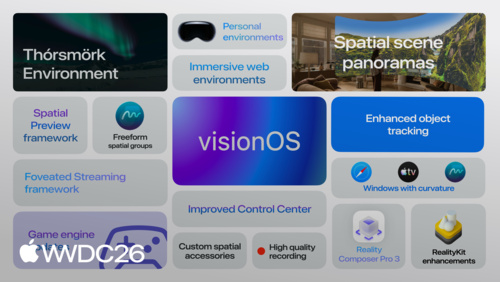 33 min
 -
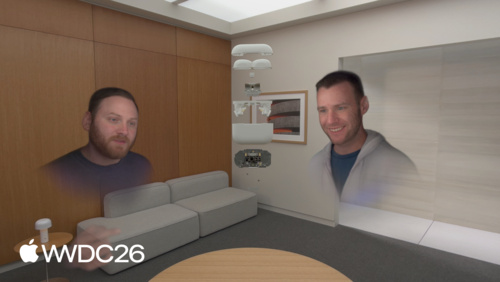 25 min
 -
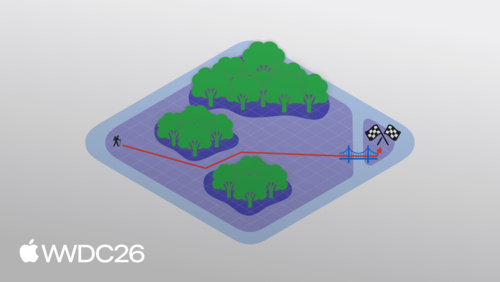 24 min
 -
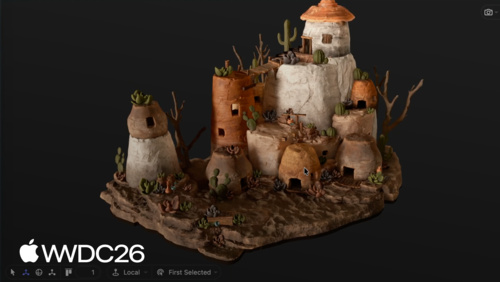 22 min
 -
 22 min
 -
 19 min
 -
 19 min
 -
 17 min
 -
 16 min
 -
 16 min
 -
 16 min
 -
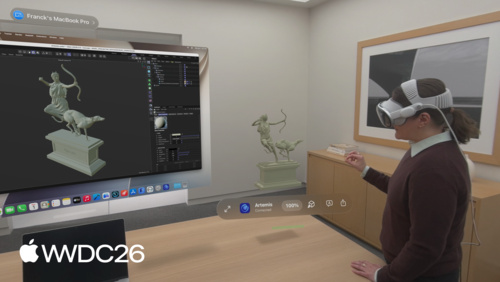 15 min
 -
 15 min
 -
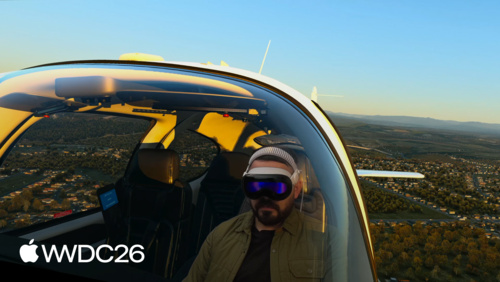 14 min
 -
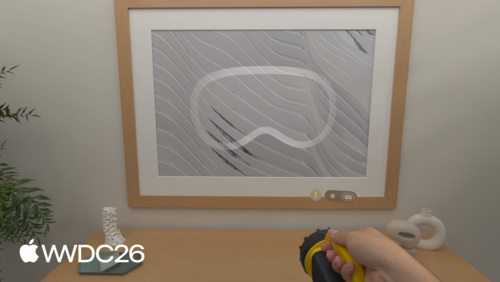 14 min
Related documents
Everything the spatial computing sessions referenced this year: documentation, sample projects, guides and downloads, each linking back to the sessions that cited it.
- Analyzing the performance of a foveated streaming session — Use the Foveated Streaming Statistics instrument to evaluate the performance of your visionOS streaming client app.
- AOUSD – Alliance for OpenUSD — Alliance for OpenUSD
- Apple ProRes RAW White Paper
- Apple ProRes White Paper
- Bridging an application’s custom USD runtime to Spatial Preview — Sync edits between an application with its own OpenUSD runtime and a Spatial Preview session using a shared
- CMVideoCodecType — A video codec type.
- Creating a foveated streaming client on visionOS — Build a visionOS app that streams high-fidelity immersive content from a computer or the cloud using the Foveated Streaming framework.
- Download - Immersive model add-on for Blender — Use this Blender extension to help you create your own 3D environment and add video docking, lightspill and other visionOS features.
- Establishing foveated streaming sessions with Apple Vision Pro — Discover, pair, and manage streaming sessions between Apple Vision Pro and local streaming endpoints by implementing the session management connection protocol.
- Exploring object tracking with ARKit — Find and track real-world objects in visionOS using reference objects you train with Create ML.
- Foveated Streaming — Foveated Streaming enables visionOS apps to display high-resolution, low-latency immersive content from streaming endpoints.
- Gaussian splats on visionOS — Use the new Gaussian splat APIs available in RealityKit in visionOS 27.
- GitHub: model element samples — Various examples of HTML model element.
- GitHub: Spatial Backdrop explainer — Operating systems on virtual reality devices have the capability of displaying virtual environments behind the windows and volumes of the various applications running on the device including its web browsers. This new link type enables Websites to change this virtual environment to one that is specified by the web page.
- Immersive Media Support — Read and write essential Apple Immersive Video metadata.
- Implementing object tracking in your app — Create engaging interactions by training models to recognize and track real-world objects in people’s surroundings.
- kVTCompressionPropertyKey_ProjectionKind — A value that indicates the projection kind.
- Manipulating models with RealityKit — Interact with detailed 3D models using manipulation and clipping controls.
- Preparing spatial accessories for tracking in your visionOS app — Prepare a spatial accessory for tracking by training a reference accessory file and integrating it into your visionOS app.
- Reducing the rendering cost of RealityKit content on visionOS — Optimize your app’s 3D augmented reality content to render efficiently on visionOS.
- Spatial accessory design guidelines for Apple devices (check section 20)
- Spatial Preview — Preview spatial content from a macOS app on a connected visionOS device.
- Streaming a CloudXR application to Apple Vision Pro with foveation — Integrate NVIDIA CloudXR™ and the session management connection protocol into your desktop or cloud application to stream high-fidelity spatial content to Apple Vision Pro.
- StreamingSession: Streaming immersive content from a CloudXR™ application to visionOS and iOS — This repository contains the supplementary materials necessary to support a streaming session, allowing you to connect, pair, and stream an OpenXR experience to a visionOS or iOS device.
- Submit feedback
- The HTML model element in Apple Vision Pro — visionOS 26 brings a major update to an important building block for the spatial web: The HTML model element is enabled by default, with a new API that’s ready to use today.
- w3.org – Model element — w3.org – Model element
- WebKit.org - Escape Game immersive website demo for Apple Vision Pro — An immersive website environment demo featuring an example marketing website for an escape game app. Explore the demo in Apple Vision Pro and use Web Inspector to see how the Immersive API is used to create the experience.
- WebKit.org - Theater Ticket Sales immersive website environment demo for Apple Vision Pro — Test drive an example ticket sales website where you can explore the view of the stage from any seat you choose. Then, on Apple Vision Pro explore the view from inside the theater with the immersive website experience. Use Web Inspector to explore the code that makes this experience possible with Safari 27.0 in visionOS.
- WebKit.org – Report issues to the WebKit open-source project — Bug tracking for WebKit open source project
- Working with content from your Mac app using Spatial Preview — Send and update documents, and work with 3D content live from your macOS app to a visionOS device through the Spatial Preview framework.
- Working with generic spatial accessories — Use generic spatial accessories to track purpose-built devices in your visionOS app.