2023 Developer ToolsSafari & Web
WWDC23 · 21 min · Developer Tools / Safari & Web
Rediscover Safari developer features
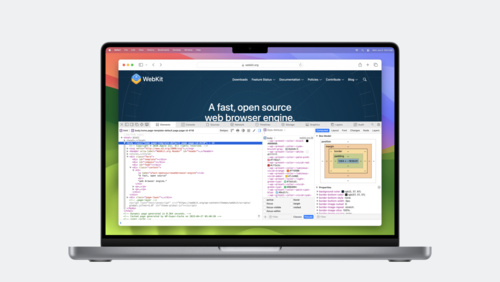
Get ready to explore Safari’s rich set of tools for web developers and designers. Learn how you can inspect web content, find out about Responsive Design Mode and WebDriver, and get started with simulators and devices. We’ll also show you how to pair with Vision Pro, make content inspectable in your apps, and use Open with Simulator in Responsive Design Mode to help you test your websites on any device.
Watch at developer.apple.com ↗Code shown on screen · 5 snippets
HTML image source set
<img
  src="astronaut_1x.jpg"
  srcset="astronaut_2x.jpg 2x astronaut_3x.jpg 3x"
/>
CSS image set
.starfield {
  background-image: image-set("stars_1x.jpg" 1x, "stars_2x.jpg" 2x);
}
CSS resolution media query
(min-resolution: 2dppx) {
.divider-line {
border: 0.5px solid grey;
}
}Inspectable WKWebViews and JSContexts
let webConfiguration = WKWebViewConfiguration()
let webView = WKWebView(frame: .zero, configuration: webConfiguration)

if #available(macOS 13.3, iOS 16.4, *) {
  webView.isInspectable = true
}

let jsContext = JSContext()
jsContext?.name = "Context name"

if #available(macOS 13.3, iOS 16.4, tvOS 16.4, *) {
  jsContext?.isInspectable = true
}
WebDriver test
from selenium import webdriver
from selenium.webdriver.common.by import By
from selenium.webdriver.safari.options import Options as SafariOptions

options = SafariOptions()
driver = webdriver.Safari(options=options)

driver.get("https://webkit.org/web-inspector/")

search_element = driver.find_element(by=By.ID, value="search")
search_element.send_keys("device")

assert(driver.find_element(by=By.LINK_TEXT, value="Device Settings"))

driver.quit()
Resources
Related sessions
-
 28 min
 -
 12 min
 -
 35 min
 -
 22 min
 -
 16 min
 -
 29 min