2022 Safari & Web
WWDC22 · 18 min · Safari & Web
Create Safari Web Inspector Extensions
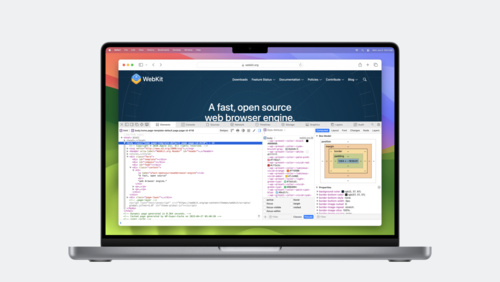
Learn how to add your own tools directly into Web Inspector using the latest Web Extensions APIs. We’ll show you how to create your own tab in Web Inspector, evaluate JavaScript in the inspected page, and use the result to help you troubleshoot and identify potential problems.
Watch at developer.apple.com ↗Code shown on screen · 2 snippets
Evaluating scripts inside the inspected page
// Evaluating scripts inside the inspected page

let result = await browser.devtools.inspectedWindow.eval("foo.bar()");
Evaluating scripts inside a frame in the inspected page
// Evaluating scripts inside a frame in the inspected page

let result = await browser.devtools.inspectedWindow.eval("foo.bar()", {
    frameURL: "http://example.com/",
});
Resources
Related sessions
-
 28 min
 -
 32 min
 -
 23 min