2022 Accessibility & InclusionGraphics & Games
WWDC22 · 27 min · Accessibility & Inclusion / Graphics & Games
Plug-in and play: Add Apple frameworks to your Unity game projects
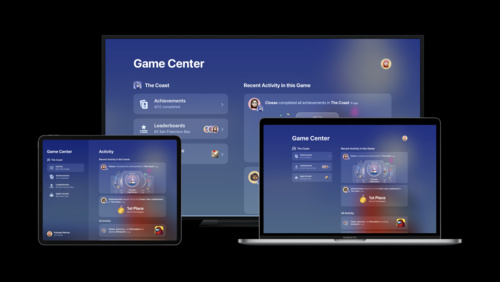
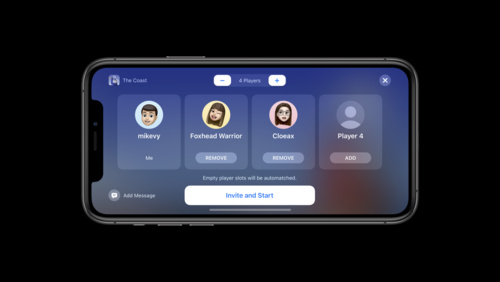
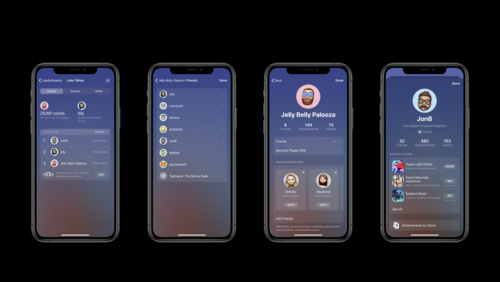
Help make your Unity app or game an even better experience on Apple platforms. Learn how you can add Apple technologies directly to your projects with six plug-ins: Apple.Core, Game Center, Game Controller, Accessibility, Core Haptics, and PHASE. We’ll show you how you can add new gameplay mechanics, make your games more accessible, and tap into the latest Apple features and services.
Watch at developer.apple.com ↗Code shown on screen · 5 snippets
Game Center - Example game manager component - C#
using Apple.GameKit;

public class GameManager : MonoBehaviour
{
    private GKLocalPlayer _localPlayer;

    private async Task Start()
    {
        try
        {
            _localPlayer = await GKLocalPlayer.Authenticate();
        }
        catch (Exception exception)
        {
            // Handle exception...
        }
    }
}
Game Center - Example game manager component continued - C#
try
{
    _localPlayer = await GKLocalPlayer.Authenticate();

    if (_localPlayer.IsUnderage)
    {
        // Hide explicit game content.
    }

    if (_localPlayer.IsMultiplayerGamingRestricted)
    {
        // Disable multiplayer game features.
    }

    if (_localPlayer.IsPersonalizedCommunicationRestricted)
    {
        // Disable in-game communication UI.
    }
}
Game Controller - Example input manager component - C#
using Apple.GameController;

public class InputManager : MonoBehaviour
{
    void Start()
    {
        // Initialize the Game Controller service
        GCControllerService.Initialize();

        // Check for connected controllers
        var controllers = GCControllerService.GetConnectedControllers();
        foreach (GCController controller in controllers)
        {
            // Handle controllers
        }

        // Set up callbacks to handle connected/disconnected controllers
        GCControllerService.ControllerConnected    += _onControllerConnected;
        GCControllerService.ControllerDisconnected += _onControllerDisconnected;
    }
}
Game Controller - polling and input handling - C#
foreach (GCController controller in _myConnectedControllers)
{
    controller.Poll();

    // Check the 'South' button ('A' button on most controllers)
    if (controller.GetButton(GCControllerInputName.ButtonSouth))
    {
        //Handle button pressed
    }

    // Check other controller inputs…
}
Core Haptics - Example haptics component - C#
using Apple.CoreHaptics;
public class Haptics : MonoBehaviour
{
private CHHapticEngine _hapticEngine;
private CHHapticPatternPlayer _hapticPlayer;
[] private AHAPAsset _hapticAsset;
private void PrepareHaptics()
{
_hapticEngine = new CHHapticEngine();
_hapticEngine.Start();
_hapticPlayer = _hapticEngine.MakePlayer(_hapticAsset.GetPattern());
}
private void Play()
{
_hapticPlayer.Start();
}
}Resources
Related sessions
-
 15 min
 -
 10 min
 -
 16 min
 -
 1 min
1 min -
 37 min
 -
 15 min
 -
 16 min
 -
 18 min
 -
 25 min
 -
 24 min
 -
 25 min