2021 App Services
WWDC21 · 20 min · App Services
Donate intents and expand your app’s presence
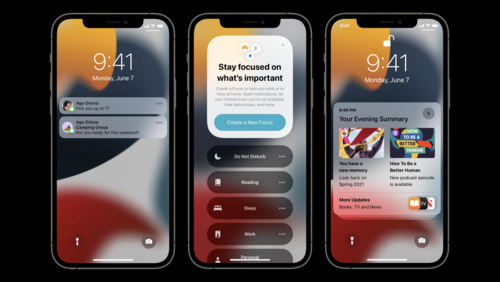
Discover how you can make key parts of your app available for someone at exactly the right moment — without them ever needing to open it. Learn how to craft and donate intents to the system, helping you surface relevant and contextual information about your app in Siri, Focus, Shortcuts, the Smart Stack, and more. We’ll explore how the system intelligently identifies information and show you techniques for structuring intents to help increase engagement and visibility for your app.
Watch at developer.apple.com ↗Code shown on screen · 3 snippets
Intent donation example
// Donate your intent.

let intent = CheckWeatherIntent()
intent.location = weatherLocation

let interaction = INInteraction(intent: intent, response: nil)
interaction.donate { (error) in
    // Handle the error.
}
Intent deletion example
// Donate your intent.
let interaction = INInteraction(intent: intent, response: response)
interaction.identifier = "68753A44-4D6F-1226-9C60-0050E4C00067"
interaction.groupIdentifier = "san-diego"
interaction.donate { (error) in
    // Handle the error.
}

// Delete individual donations.
INInteraction.delete(with: ["68753A44-4D6F-1226-9C60-0050E4C00067"]) { (error) in
    // Handle the error.
}

// Delete group donations.
INInteraction.delete(with: "san-diego") { (error) in
    // Handle the error.
}
Intent donation example 2
// Donate your intent.

let intent = OrderCoffeeIntent()
intent.item = item
intent.size = size
intent.date = date

let interaction = INInteraction(intent: intent, response: nil)
interaction.donate { (error) in
    // Handle the error.
}
Resources
Related sessions
-
 19 min
 -
 21 min
 -
 22 min
 -
 28 min
 -
 49 min