2020 Privacy & SecuritySwiftUI & UI FrameworksPhotos & Camera
WWDC20 · 14 min · Privacy & Security / SwiftUI & UI Frameworks / Photos & Camera
Handle the Limited Photos Library in your app
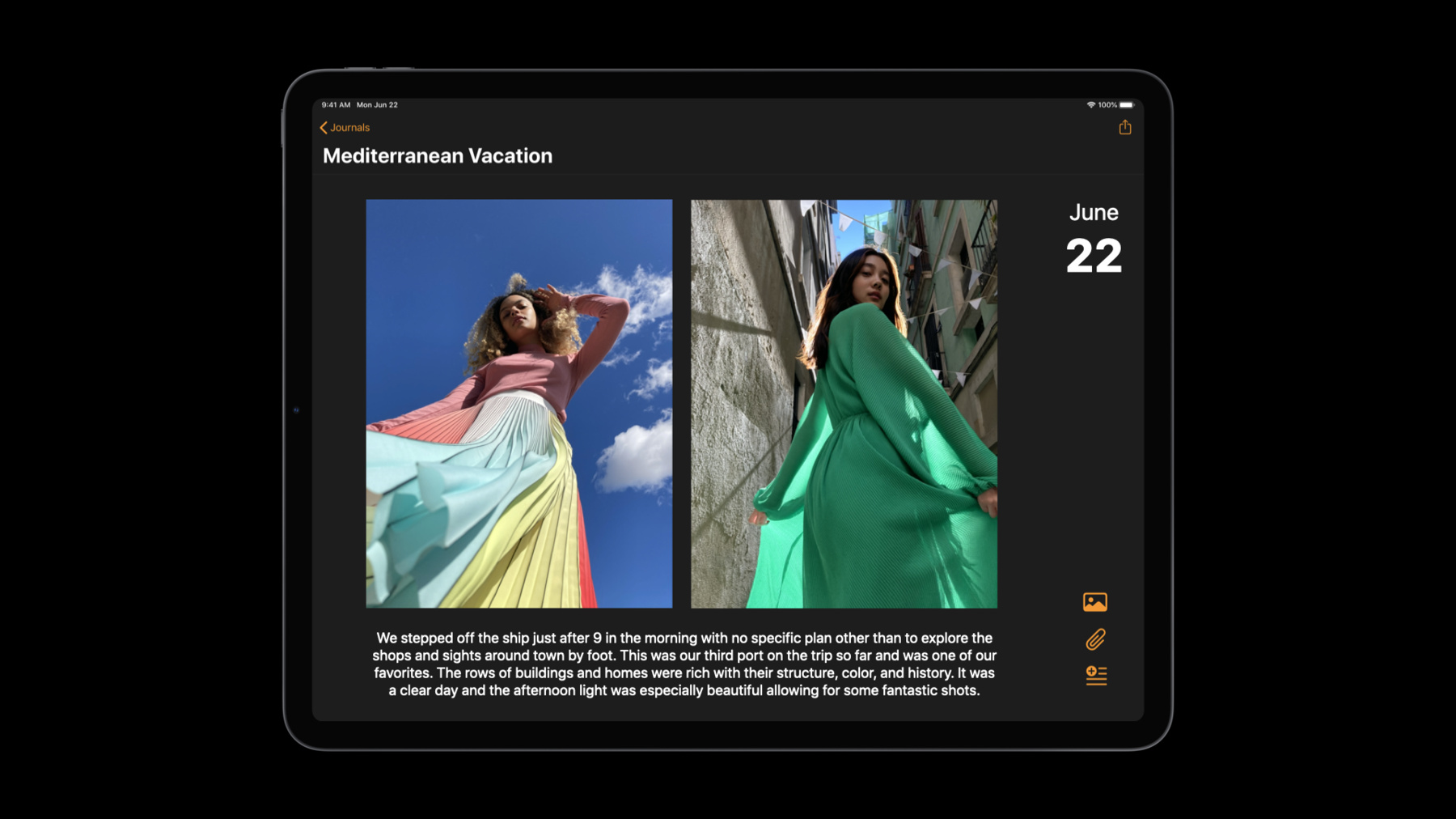
Access the photos and videos you need for your app while preserving privacy. With the new Limited Photos Library feature, people can directly control which photos and videos an app can access to protect their private content. We’ll explore how this feature may affect your app, and take you through alternatives like PHPicker. Check out “Meet the New Photos Picker” to learn more about PHPicker and how this this fully private picker can help you avoid requiring full Photos Library access in your app.
Watch at developer.apple.com ↗Code shown on screen · 3 snippets
Query for authorization status
import Photos

let accessLevel: PHAccessLevel = .readWrite
let authorizationStatus = PHPhotoLibrary.authorizationStatus(for: accessLevel)

switch authorizationStatus {
case .limited:
    print("limited authorization granted")
default:
    //FIXME: Implement handling for all authorizationStatus values
    print("Not implemented")
}
Request read/write authorization
import Photos

let requiredAccessLevel: PHAccessLevel = .readWrite
PHPhotoLibrary.requestAuthorization(for: requiredAccessLevel) { authorizationStatus in
    switch authorizationStatus {
    case .limited:
        print("limited authorization granted")
    default:
        //FIXME: Implement handling for all authorizationStatus
        print("Unimplemented")

    }
}
Present the limited library management UI
import PhotosUI

let library = PHPhotoLibrary.shared()
let viewController = self

library.presentLimitedLibraryPicker(from: viewController)
Resources
Related sessions
-
 35 min
 -
 18 min
 -
 27 min
 -
 15 min
 -
 36 min