2020 SwiftUI & UI FrameworksAudio & Video
WWDC20 · 11 min · SwiftUI & UI Frameworks / Audio & Video
Discover search suggestions for Apple TV
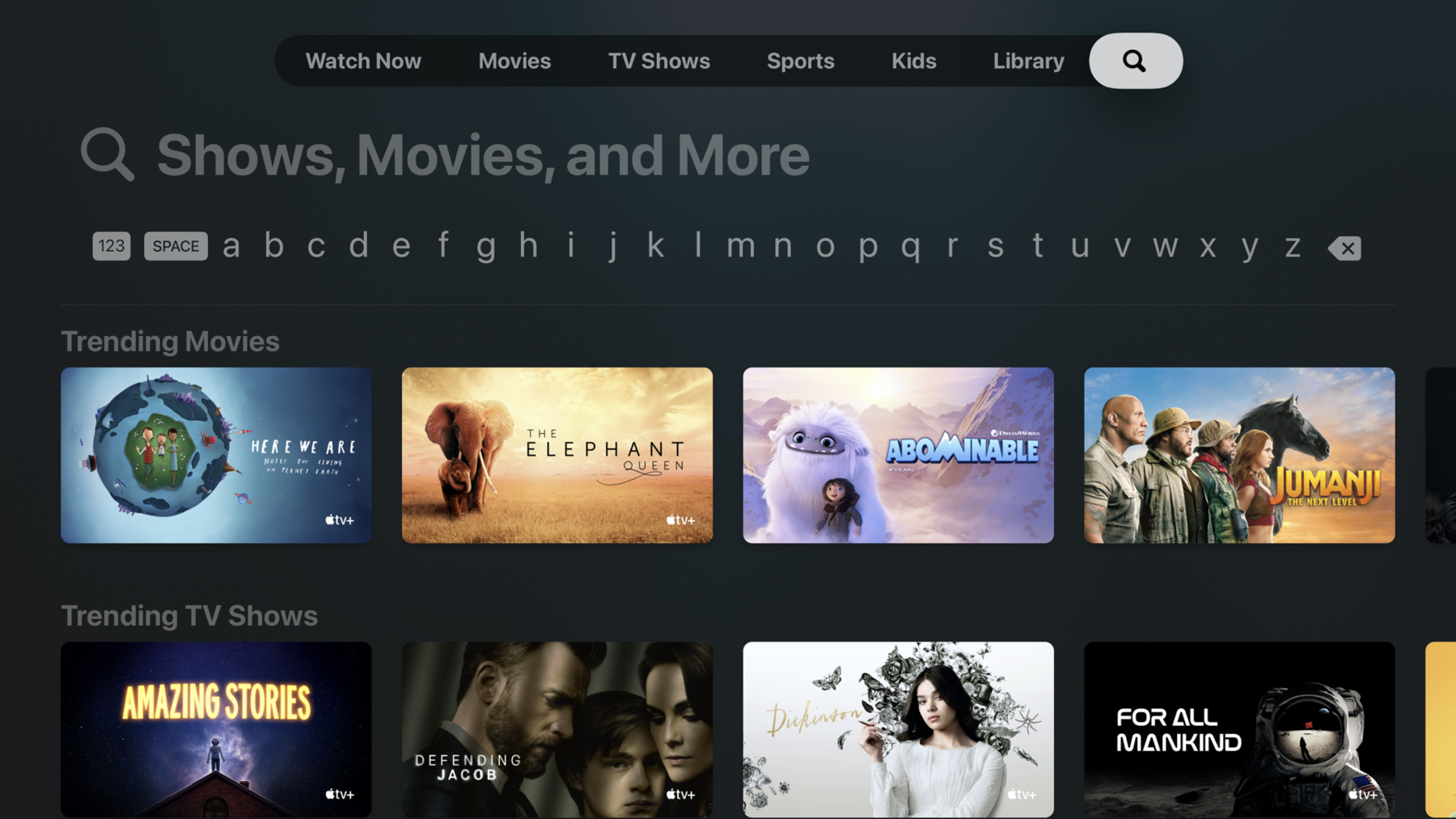
Searching your tvOS app just got even better. Get ready to explore the new simplified search interface and learn how to integrate it into your app with UISearchController. Support your global audience with the addition of new international keyboards and languages. Discover how to add search suggestions to your interface and update results with suggestions on the fly. And we’ll share some of our favorite tips for adding a great search experience to Apple TV.
Watch at developer.apple.com ↗Code shown on screen · 15 snippets
SearchViewController init
private let appData: AppData

init(appData: AppData) {
    self.appData = appData

    super.init(nibName: nil, bundle: nil)
}

required init?(coder: NSCoder) {
    fatalError("init(coder:) has not been implemented")
}
Search Tab Bar Item
// use the system standard search tab bar item
tabBarItem = UITabBarItem(tabBarSystemItem: UITabBarItem.SystemItem.search, tag: 0)
SearchController and SearchContainerViewController Definition
private let searchController: UISearchController
private let searchContainerViewController: UISearchContainerViewController
SearchController and SearchContainerViewController Initialization
self.searchController = UISearchController(searchResultsController: self.searchResultsController)
self.searchContainerViewController = UISearchContainerViewController(searchController: searchController)
viewDidLoad - Add Child View Controller
override func viewDidLoad() {
    addChild(searchContainerViewController)

    searchContainerViewController.view.frame = view.bounds
    view.addSubview(searchContainerViewController.view)
    searchContainerViewController.didMove(toParent: self)
}
Set searchControllerObservedScrollView
// scroll search controller allong with results collection view
searchController.searchControllerObservedScrollView = searchResultsController.collectionView
Assign searchResultsUpdater
searchController.searchResultsUpdater = selfImplement updateSearchResults
func updateSearchResults(for searchController: UISearchController) {
    if let searchText = searchController.searchBar.text {
        // get search results for 'searchText' from data source
        let (results, _) = appData.searchResults(seachTerm: searchText, includePhotos: true, includeVideos: true)

        searchResultsController.items = results
    } else {
        // no search text, show unfiltered results
        searchResultsController.items = appData.allEntries
    }
}
Create Instance of SearchViewController
let searchViewController = SearchViewController(appData: appData)UISearchSuggestionItem Example
let suggestion1 = UISearchSuggestionItem(localizedSuggestion: "Result1", localizedDescription: "Result1", iconImage: nil)
let suggestion2 = UISearchSuggestionItem(localizedSuggestion: "Result2", localizedDescription: "Result2", iconImage: nil)

searchController.searchSuggestions = [suggestion1, suggestion 2]
Implement UISearchSuggestion Properties
var localizedSuggestion: String? {
    return self.name
}

var iconImage: UIImage? {
    return self.isVideo ? UIImage(systemName: "video") : UIImage(systemName: "photo")
}
Implement Accessibility Description
var localizedDescription: String? {
    if (self.isVideo) {
        return String.localizedStringWithFormat(NSLocalizedString("%@ - Video", comment: ""), self.name)
    }
    return String.localizedStringWithFormat(NSLocalizedString("%@ - Photo", comment: ""), self.name)
}
Add new UISearchResultsUpdating
func updateSearchResults(for searchController: UISearchController, selecting searchSuggestion: UISearchSuggestion) {
    if let searchText = searchController.searchBar.text {
        var includePhotos = true;
        var includeVideos = true;


    }
}
Inspect Suggestion
// check if the suggestion is for a photo or video
if let suggestedEntry = searchSuggestion as? SuggestedEntry {
    includeVideos = suggestedEntry.isVideo
    includePhotos = !includeVideos
}
Filter Results
// filter the results by to include photos, videos, or both
let (results, _) = appData.searchResults(seachTerm: searchText, includePhotos: includePhotos, includeVideos: includeVideos)

searchResultsController.items = results