2020 Business & Education
WWDC20 · 15 min · Business & Education
Build scalable enterprise app suites
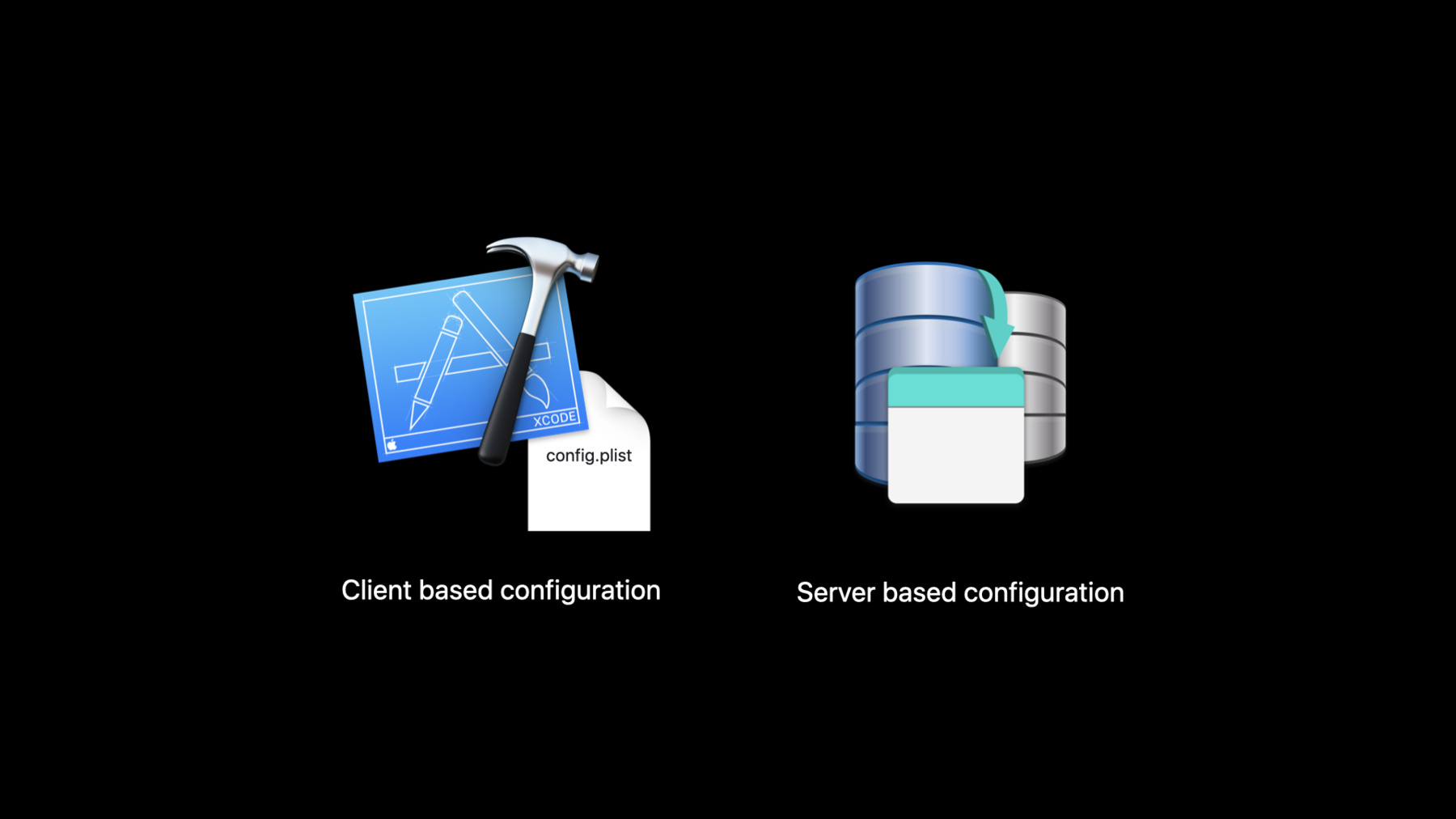
Learn how to build focused enterprise apps that work well together. In this session, we’ll introduce you to Apple Retail’s suite of enterprise apps, which help employees interact with customers, track operations, manage stores, and stay connected. Discover how Apple Retail created a unified set of apps by adopting Swift Packages and testing for app scalability. And explore how managing apps in production with configurations can help tailor app suites to different regions and locations.
Watch at developer.apple.com ↗Code shown on screen · 4 snippets
App Groups
let sharedDefaults = UserDefaults(suiteName: “group.com.apple.myappgroup")!

sharedDefaults.set("My Cool Value", forKey: "MyKeyName")

let myKeyNameValue = sharedDefaults.string(forKey: "MyKeyName")
BarcodeScannerViewController
import RetailScanner

let scanOptions = BarcodeScanOptions()
scanOptions.scanRegion = .regular
scanOptions.shouldAddSupplementaryView = false
scanOptions.shouldShowBarcodeDetector = true

let barcodeViewController = BarcodeScannerViewController(scanOptions: scanOptions)
barcodeViewController.delegate = self
OCRScannerViewController
import RetailScanner

let scanOptions = OCRScanOptions(
    scanRegion: .custom(CGSize(width: 400, height: 100)),
    accessibilityBehavior: .vibrate,
    shouldAddSupplementaryView: true,
    validation: nil,
    shouldShowResultView: true
)
scanOptions.recognitionLevel = .fast

let ocrViewController = OCRScannerViewController(
    scanOptions: scanOptions
)
ocrViewController.delegate = self
Config-driven UI - Client based configuration hosted by server
func configuredCellForLabel(for customerInfoField: CustomerInfoField, at indexPath: IndexPath) -> UITableViewCell { . . . }


func configuredCellForPhoneNumber(for customerInfoField: CustomerInfoField, at indexPath: IndexPath) -> UITableViewCell { . . . }
Related sessions
-
 18 min
 -
 16 min
 -
 31 min
 -
 54 min
 -
 40 min
 -
 50 min
 -
 37 min