2020 Accessibility & InclusionMaps & LocationBusiness & Education
WWDC20 · 14 min · Accessibility & Inclusion / Maps & Location / Business & Education
Build location-aware enterprise apps
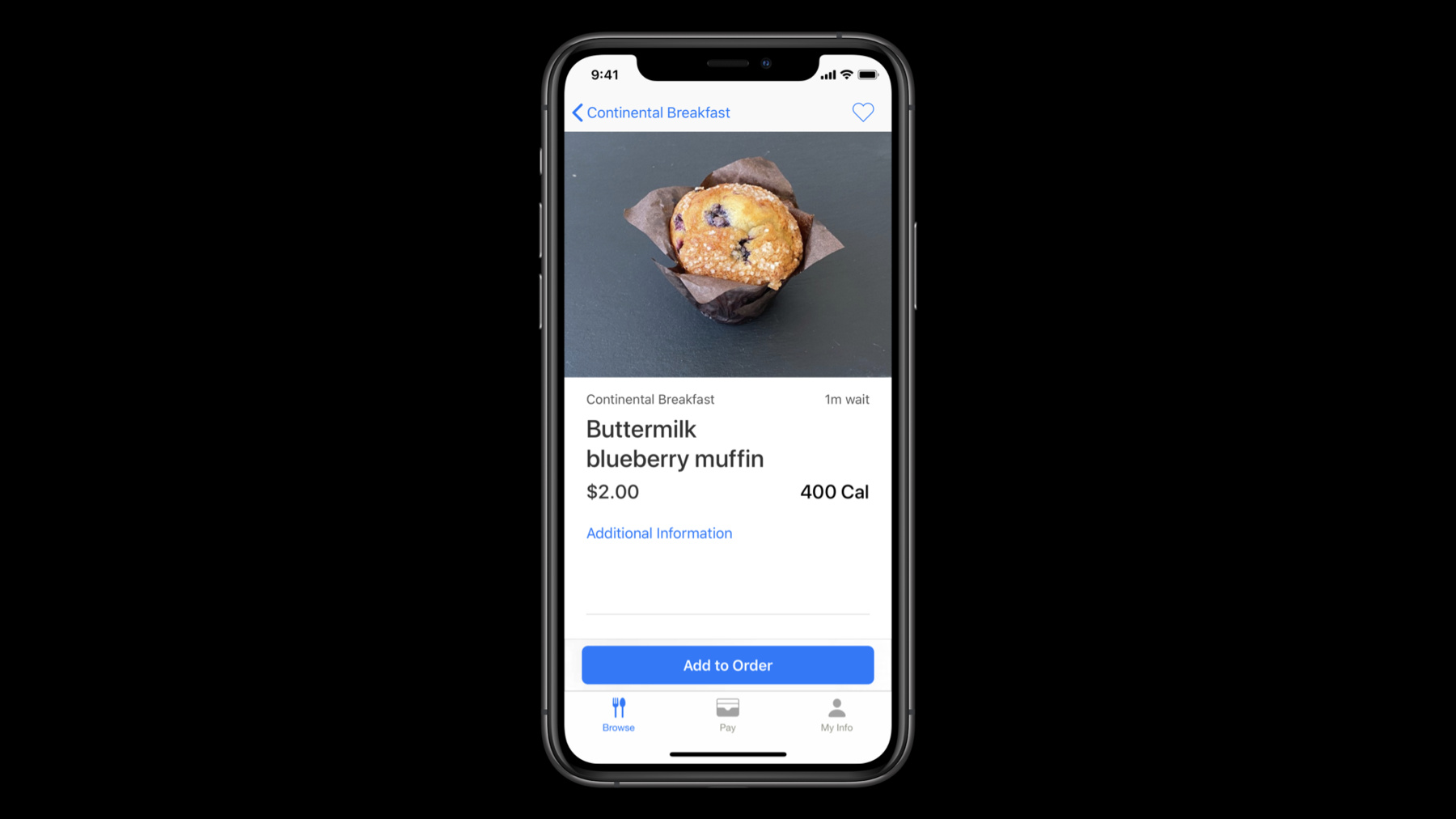
Develop location-aware enterprise apps for your business and personalize your employee’s everyday experience. Learn how Apple built the Caffe Macs app for its on-campus cafeterias using iBeacons and Location Services and how you can apply these tools and frameworks to your own apps, while preserving employee privacy. From there, discover how you can use localization to deliver a great experience for your international employees.
Watch at developer.apple.com ↗Code shown on screen · 8 snippets
Preferences: User-defined Preferred Location
// Storing the user’s preference using UserDefaults

UserDefaults.standard.set(defaultLocation.id, forKey: "defaultLocationId")

let defaultLocationId = UserDefaults.standard.integer(forKey: "defaultLocationId")
Location Services: Requesting Authorization
// Add NSLocationWhenInUseUsageDescription to your Info.plist
// e.g. “Location is required for placing orders while using the app."

locationManager.requestWhenInUseAuthorization()

func locationManager(
    _ manager: CLLocationManager,
    didChangeAuthorization status: CLAuthorizationStatus) {

    switch status {
    case .restricted, .denied:
        disableLocationFeatures()

    case .authorizedWhenInUse, .authorizedAlways:
        enableLocationFeatures()

    case .notDetermined: // The user hasn’t chosen an authorization status
    }
}
Location Services: Determining Device Support
if CLLocationManager.isMonitoringAvailable(for: CLBeaconRegion.self) {
    // Supports region monitoring to detect beacon regions
}

if CLLocationManager.isRangingAvailable() {
    // Supports obtaining the relative distance to a nearby iBeacon device
}
Stage 1: Region Monitoring
// Stage 1: Region Monitoring

func monitorBeacons() {
    if CLLocationManager.isMonitoringAvailable(for: CLBeaconRegion.self) {

        let constraint = CLBeaconIdentityConstraint(uuid: proximityUUID)

        let beaconRegion = CLBeaconRegion(
            beaconIdentityConstraint: constraint,
            identifier: beaconID
        )

        self.locationManager.startMonitoring(for: beaconRegion)
    }
}
Stage 2: Beacon Ranging
// Stage 2: Beacon Ranging

func locationManager(_ manager: CLLocationManager, didEnterRegion region: CLRegion) {
    guard let region = region as? CLBeaconRegion,
        CLLocationManager.isRangingAvailable()
        else { return }

    let constraint = CLBeaconIdentityConstraint(uuid: region.uuid)
    manager.startRangingBeacons(satisfying: constraint)
    beaconsToRange.append(region)
}

func locationManager(_ manager: CLLocationManager, didExitRegion region: CLRegion) {

}
Stage 2: Beacon Ranging
// Stage 2: Beacon Ranging

func locationManager(
    _ manager: CLLocationManager,
    didRangeBeacons beacons: [CLBeacon],
    in region: CLBeaconRegion) {

    guard let nearestBeacon = beacons.first else { return }
    let major = CLBeaconMajorValue(truncating: nearestBeacon.major)
    let minor = CLBeaconMinorValue(truncating: nearestBeacon.major)

    switch nearestBeacon.proximity {
    case .near, .immediate:
        displayInformation(for: major, and: minor)

    default:
        handleUnknownOrFarBeacon(for: major, and: minor)
    }
}
Formatting Dates
// Formatting Dates
let dateFormatter = DateFormatter()
dateFormatter.dateStyle = .medium
dateFormatter.timeStyle = .short
dateFormatter.string(from: Date())
// "Jun 25, 2020 at 9:41 AM"
Configuring the Format of Currency
// Configuring the Format of Currency
let formatter = NumberFormatter()
formatter.currencyCode = "CAD"
formatter.numberStyle = .currency
formatter.string(from: amount)
// "CA$1.00"
Related sessions
-
 15 min
 -
 8 min
8 min -
 15 min
 -
 27 min
 -
 35 min
 -
 36 min