2020 SwiftUI & UI Frameworks
WWDC20 · 10 min · SwiftUI & UI Frameworks
What’s new in PencilKit
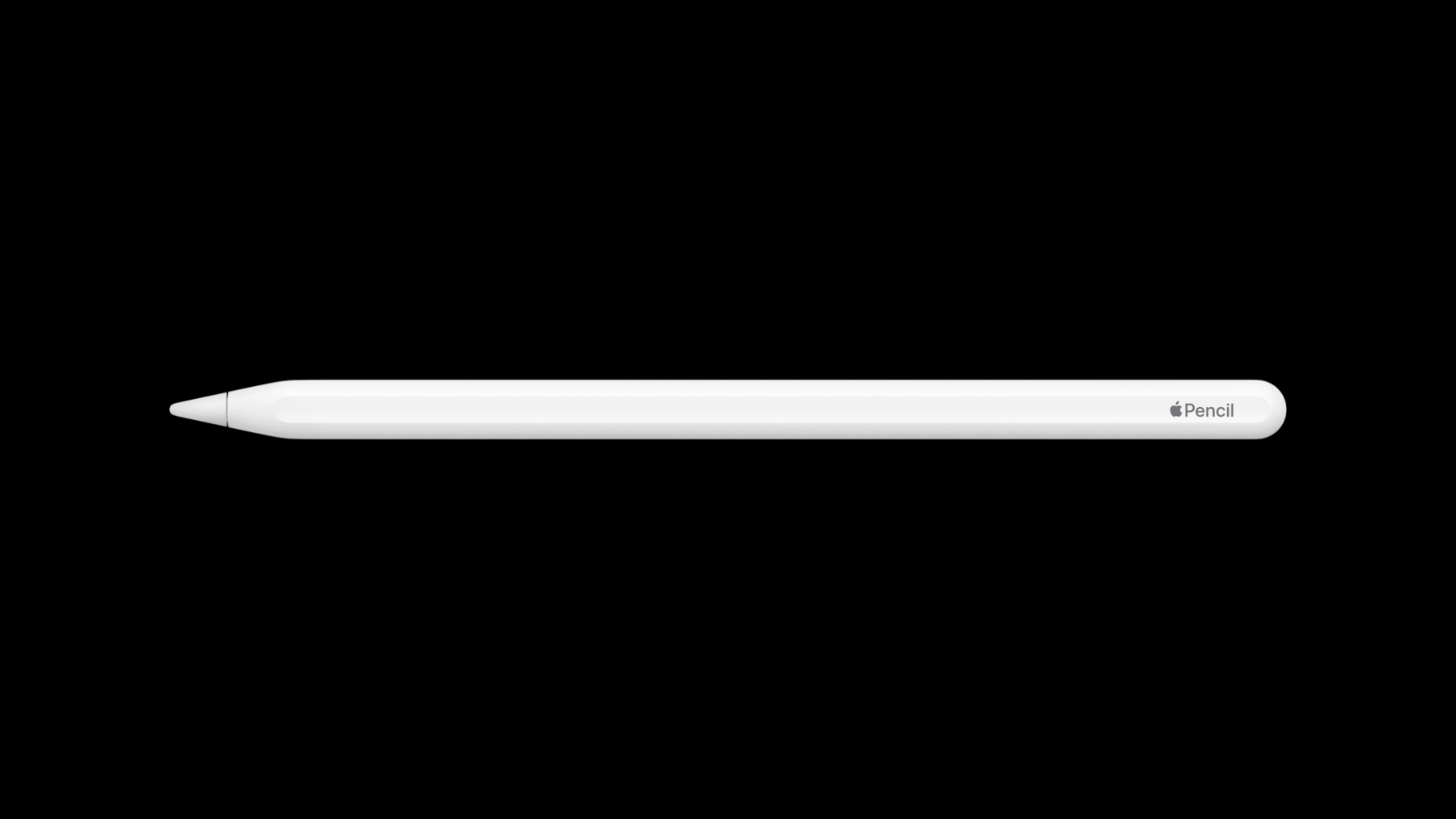
PencilKit helps power creativity, writing, drawing, and animation in your iPad apps. Explore the latest improvements to our drawing and annotation framework, and discover how you can take advantage of APIs like PKToolPicker, PKCanvasView, and PKStroke to support new features in illustration and writing apps. To get the most out of this session, you should have a basic understanding of PencilKit. If you want to a refresher, “Introduction to PencilKit” from WWDC19 is a great place to start.
Watch at developer.apple.com ↗Code shown on screen · 3 snippets
PKCanvasView drawingPolicy
var drawingPolicy: PKCanvasViewDrawingPolicyPKToolPicker showDrawingPolicyControls
PKToolPicker.showsDrawingPolicyControlsToolpicker per canvas
notesCanvas.drawingPolicy = .default
notesToolPicker.showsDrawingPolicyControls = true
notesToolPicker.selectedTool = PKInkingTool(.pen, color: .black, width: 2)

drawingCanvas.drawingPolicy = .anyInput
drawingToolPicker.showsDrawingPolicyControls = false
drawingToolPicker.selectedTool = PKInkingTool(.marker, color: .purple, width: 20)
Resources
Related sessions
-
 20 min
 -
 16 min
 -
 35 min