2020 App ServicesAudio & Video
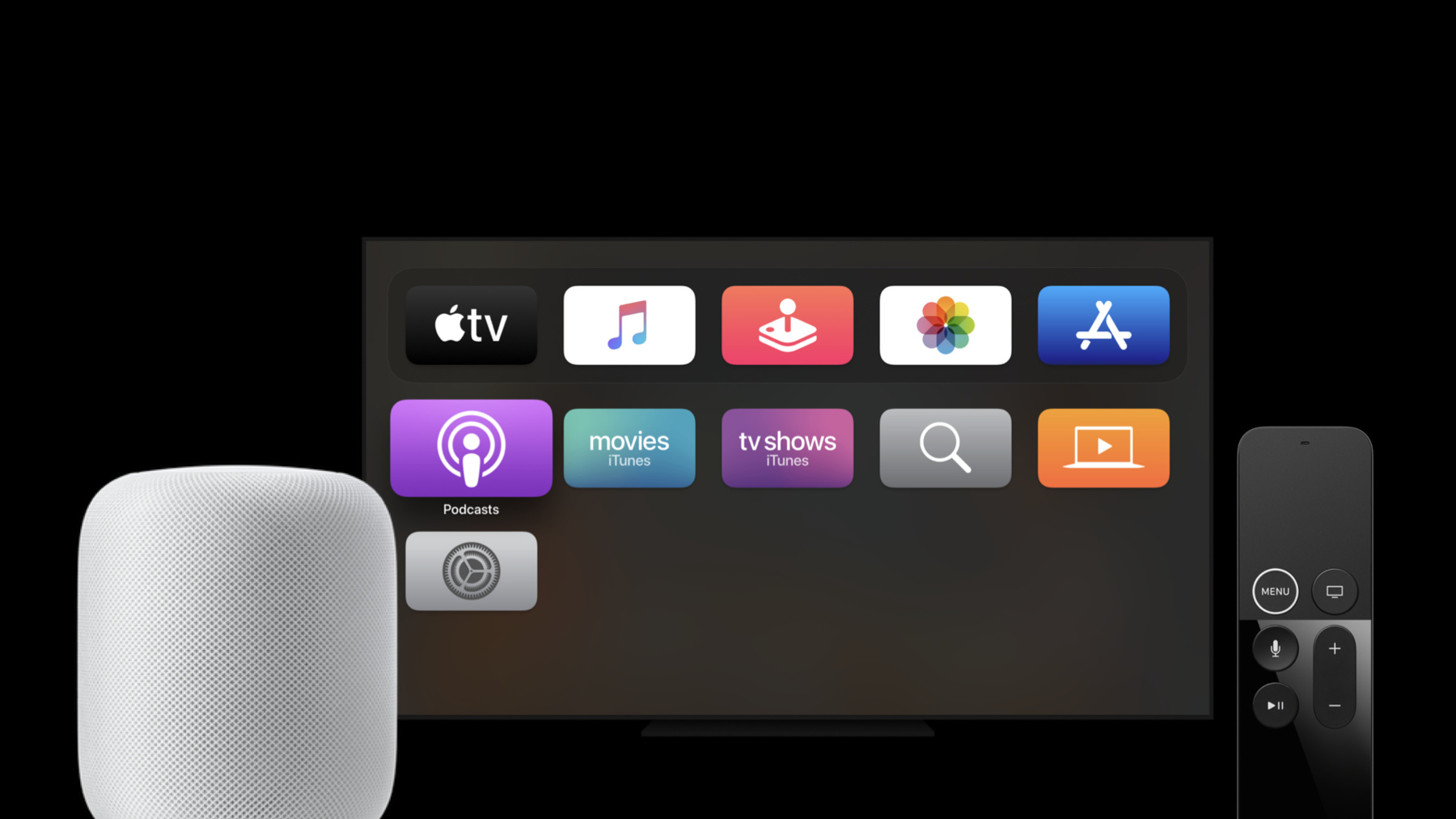
WWDC20 · 11 min · App Services / Audio & Video
Expand your SiriKit Media Intents to more platforms
Discover how you can enable Siri summoning for your music or audio app using SiriKit Media Intents. We’ll walk you through how to add Siri support to your music, podcast, or other audio service on more of our platforms, including HomePod and Apple TV, so people can start listening by just asking Siri. And learn about new APIs that let you support alternative results, helping people listen more quickly without leaving the Siri interface.
Watch at developer.apple.com ↗Code shown on screen · 7 snippets
resolveMediaItems method
func resolveMediaItems(for intent: INPlayMediaIntent, with completion: @escaping ([INPlayMediaMediaItemResolutionResult]) -> Void) {
}
handle with .continueInApp
func handle(intent: INPlayMediaIntent, completion: (INPlayMediaIntentResponse) -> Void) {
  completion(INPlayMediaIntentResponse(code: .continueInApp, userActivity: nil))
}
Singular successWithResolvedMediaItem call
INPlayMediaMediaItemResolutionResult.success(with: mediaItems[0])Plural successesWithResolvedMediaItems call
INPlayMediaMediaItemResolutionResult.successes(with: mediaItems)handle with .handleInApp
func handle(intent: INPlayMediaIntent, completion: (INPlayMediaIntentResponse) -> Void) {
  completion(INPlayMediaIntentResponse(code: .handleInApp, userActivity: nil))
}
ControlAudio resolveMediaItems
func resolveMediaItems(for intent: INPlayMediaIntent, with completion: @escaping ([INPlayMediaMediaItemResolutionResult]) -> Void) {
    let mediaSearch = intent.mediaSearch
    resolveMediaItems(for: mediaSearch) { optionalMediaItems in
        guard let mediaItems = optionalMediaItems else {
            return
        }
        completion(INPlayMediaMediaItemResolutionResult.successes(with: mediaItems))
    }
}
App prewarming background appLaunch
func application(_ application: UIApplication, didFinishLaunchingWithOptions launchOptions: [UIApplication.LaunchOptionsKey: Any]?) -> Bool {
    // Locate any app prewarming logic in this method -- fetch credentials, get audio player ready, etc.
    return true
}
Resources
Related sessions
-
 23 min
 -
 12 min
 -
 10 min
 -
 20 min
 -
 2 min
2 min -
 11 min
 -
 10 min
 -
 7 min
7 min -
 20 min
 -
 5 min
5 min -
 12 min
 -
 6 min
6 min