2020 System Services
WWDC20 · 13 min · System Services
Enable encrypted DNS
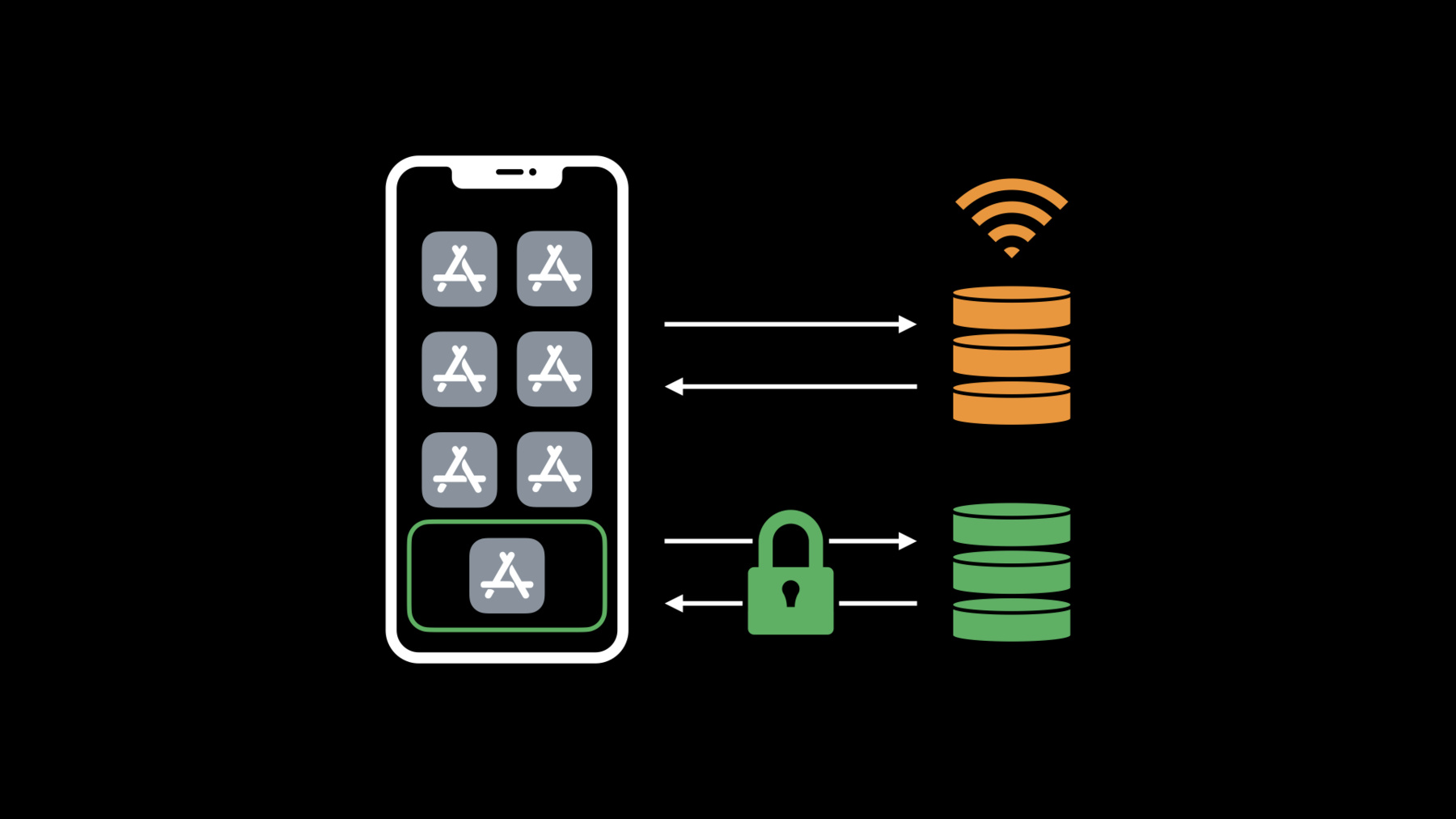
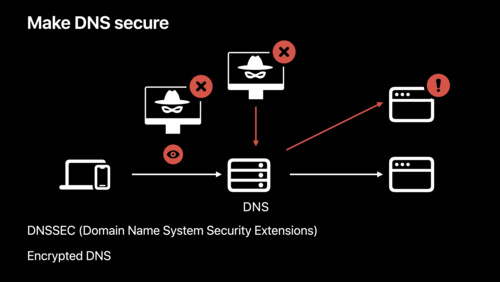
When people access the web within your app, their privacy is paramount. Safeguard that information by leveraging encrypted DNS across our platforms to deliver private and secure connectivity within your app. Discover how you can use system DNS settings to connect to encrypted servers or enable encrypted DNS within an app using standard networking APIs. Enabling encrypted DNS is yet another way your app can help preserve privacy for your customers and provide them with a better and more secure experience.
Watch at developer.apple.com ↗Code shown on screen · 5 snippets
Create a DNS configuration
// Create a DNS configuration

import NetworkExtension

NEDNSSettingsManager.shared().loadFromPreferences { loadError in
    if let loadError = loadError {
        // ...handle error...
        return
    }
    let dohSettings = NEDNSOverHTTPSSettings(servers: [ "2001:db8::2" ])
    dohSettings.serverURL = URL(string: "https://dnsserver.example.net/dns-query")
    NEDNSSettingsManager.shared().dnsSettings = dohSettings
    NEDNSSettingsManager.shared().saveToPreferences { saveError in
        if let saveError = saveError {
            // ...handle error...
            return
        }
    }
}
Apply network rules
// Apply network rules

let workWiFi = NEOnDemandRuleEvaluateConnection()
workWiFi.interfaceTypeMatch = .wiFi
workWiFi.ssidMatch = ["MyWorkWiFi"]
workWiFi.connectionRules =
    [ NEEvaluateConnectionRule(matchDomains: ["enterprise.example.net"],
                               andAction: .neverConnect) ]

let disableOnCell = NEOnDemandRuleDisconnect()
disableOnCell.interfaceTypeMatch = .cellular

let enableByDefault = NEOnDemandRuleConnect()

NEDNSSettingsManager.shared().onDemandRules = [
    workWiFi,
    disableOnCell,
    enableByDefault
]
Use encrypted DNS with NWConnection
// Use encrypted DNS with NWConnection

import Network

let privacyContext = NWParameters.PrivacyContext(description: "EncryptedDNS")
if let url = URL(string: "https://dnsserver.example.net/dns-query") {
    let address = NWEndpoint.hostPort(host: "2001:db8::2", port: 443)
    privacyContext.requireEncryptedNameResolution(true,
        fallbackResolver: .https(url, serverAddresses: [ address ]))
}

let tlsParams = NWParameters.tls
tlsParams.setPrivacyContext(privacyContext)

let conn = NWConnection(host: "www.example.com", port: 443, using: tlsParams)
conn.start(queue: .main)
Validate which DNS protocol was used
// Validate which DNS protocol was used

import Network

conn.requestEstablishmentReport(queue: .main) { report in
    if let report = report {
        for resolution in report.resolutions {
            switch resolution.dnsProtocol {
            case .https, .tls:
                print("Used encrypted DNS!”)
            case .udp, .tcp:
                print("Used unencrypted DNS")
            default:
                // Ignore unknown protocols
       }
    }
}
Use encrypted DNS for other APIs
// Use encrypted DNS for other APIs

import Network

if let url = URL(string: "https://dnsserver.example.net/dns-query") {
    let address = NWEndpoint.hostPort(host: "2001:db8::2", port: 443)
    NWParameters.PrivacyContext.default.requireEncryptedNameResolution(true,
        fallbackResolver: .https(url, serverAddresses: [ address ]))
}

let task = URLSession.shared.dataTask(with: ...)
task.resume()

getaddrinfo(...)
Related sessions
-
 33 min
 -
 18 min
 -
 14 min
 -
 36 min