2020 SwiftUI & UI FrameworksAudio & Video
WWDC20 · 15 min · SwiftUI & UI Frameworks / Audio & Video
Build SwiftUI apps for tvOS
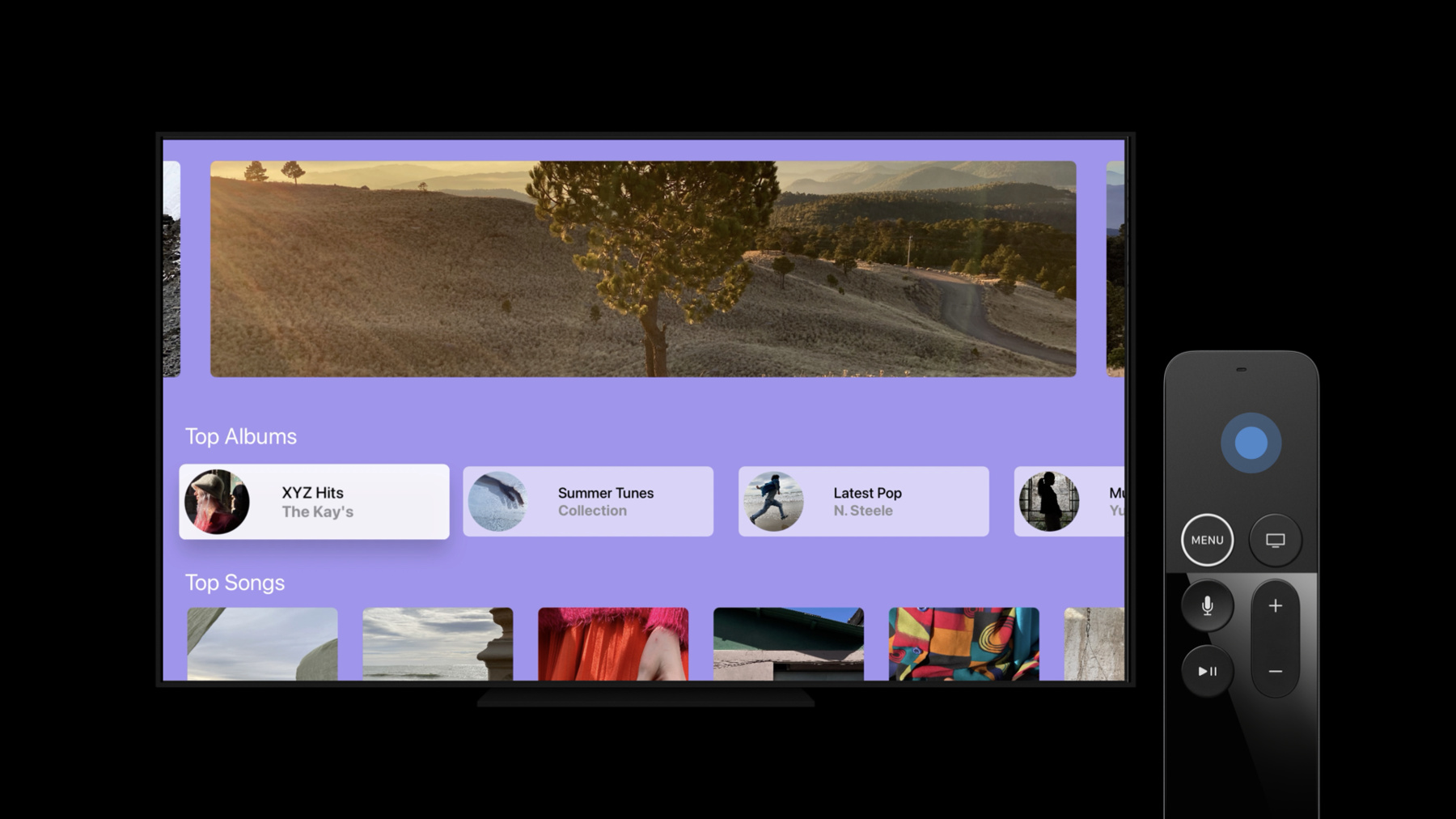
Add a new dimension to your tvOS app with SwiftUI. We’ll show you how to build layouts powered by SwiftUI and customize your interface with custom buttons, provide more functionality in your app with a context menu, check if views are focused, and manage default focus. To get the most out of this session, you should be comfortable with SwiftUI. For a primer, watch “Introducing SwiftUI: Building Your First App” and “SwiftUI On All Devices.”
Watch at developer.apple.com ↗Code shown on screen · 8 snippets
CardButtonStyle
Button(albumLabel, action: playAlbum)
    .buttonStyle(CardButtonStyle())
Custom Button Styles
struct MyNewButtonStyle: ButtonStyle {
    func makeBody(configuration: Configuration) -> some View {
        configuration.label
           .background(configuration.isPressed ? … : …) // Custom styling
    }
}

Button(albumLabel, action: playAlbum)
    .buttonStyle(MyNewButtonStyle())
Context Menus
AlbumView()
    .contextMenu {
        Button("Add to Favorites", action: addAlbumToFavorites)
        Button("View Artist", action: viewArtistPage)
        Button("Discover Similar Albums", action: viewSimilarAlbums)
    }
isFocused Environment Variable
struct SongView: View {
var body: some View {
Button(action: playSong) {
VStack {
Image(albumArt)
DetailsView(...)
}
}.buttonStyle(MyCustomButtonStyle())
}
}
struct DetailsView: View {
...
(\.isFocused) var isFocused: Bool
var body: some View {
VStack {
Text(songName)
Text(isFocused ? artistAndAlbum : artistName)
}
}
}Login Screen (Default Focus)
var body: some View {
    VStack {
        TextField("Username", text: $username)

        SecureField("Password", text: $password)

        Button("Log In", action: logIn)

    }

}
Default Focus
private var namespace
private var areCredentialsFilled: Bool
var body: some View {
VStack {
TextField("Username", text: $username)
.prefersDefaultFocus(!areCredentialsFilled, in: namespace)
SecureField("Password", text: $password)
Button("Log In", action: logIn)
.prefersDefaultFocus(areCredentialsFilled, in: namespace)
}
.focusScope(namespace)
}Reset Focus
private var namespace
private var areCredentialsFilled: Bool
(\.resetFocus) var resetFocus
var body: some View {
VStack {
TextField("Username", text: $username)
.prefersDefaultFocus(!areCredentialsFilled, in: namespace)
SecureField("Password", text: $password)
Button("Log In", action: logIn)
.prefersDefaultFocus(areCredentialsFilled, in: namespace)
Button("Clear", action: {
username = ""; password = ""
areCredentialsFilled = false
resetFocus(in: namespace)
})
}
.focusScope(namespace)
}Lazy Grids
struct ShelfView: View {
    var body: some View {
        ScrollView([.horizontal]) {
            LazyHGrid(rows: [GridItem()]) {
                ForEach(playlists, id: \.self) { playlist in
                    Button(action: goToPlaylist) {
                        Image(playlist.coverImage)
                            .resizable()
                            .frame(…)
                    }
                    .buttonStyle(CardButtonStyle())
                }
            }
        }
    }
}
Resources
Related sessions
-
 28 min
 -
 54 min
 -
 45 min