2020 App ServicesSwiftSwiftUI & UI Frameworks
WWDC20 · 20 min · App Services / Swift / SwiftUI & UI Frameworks
Build SwiftUI views for widgets
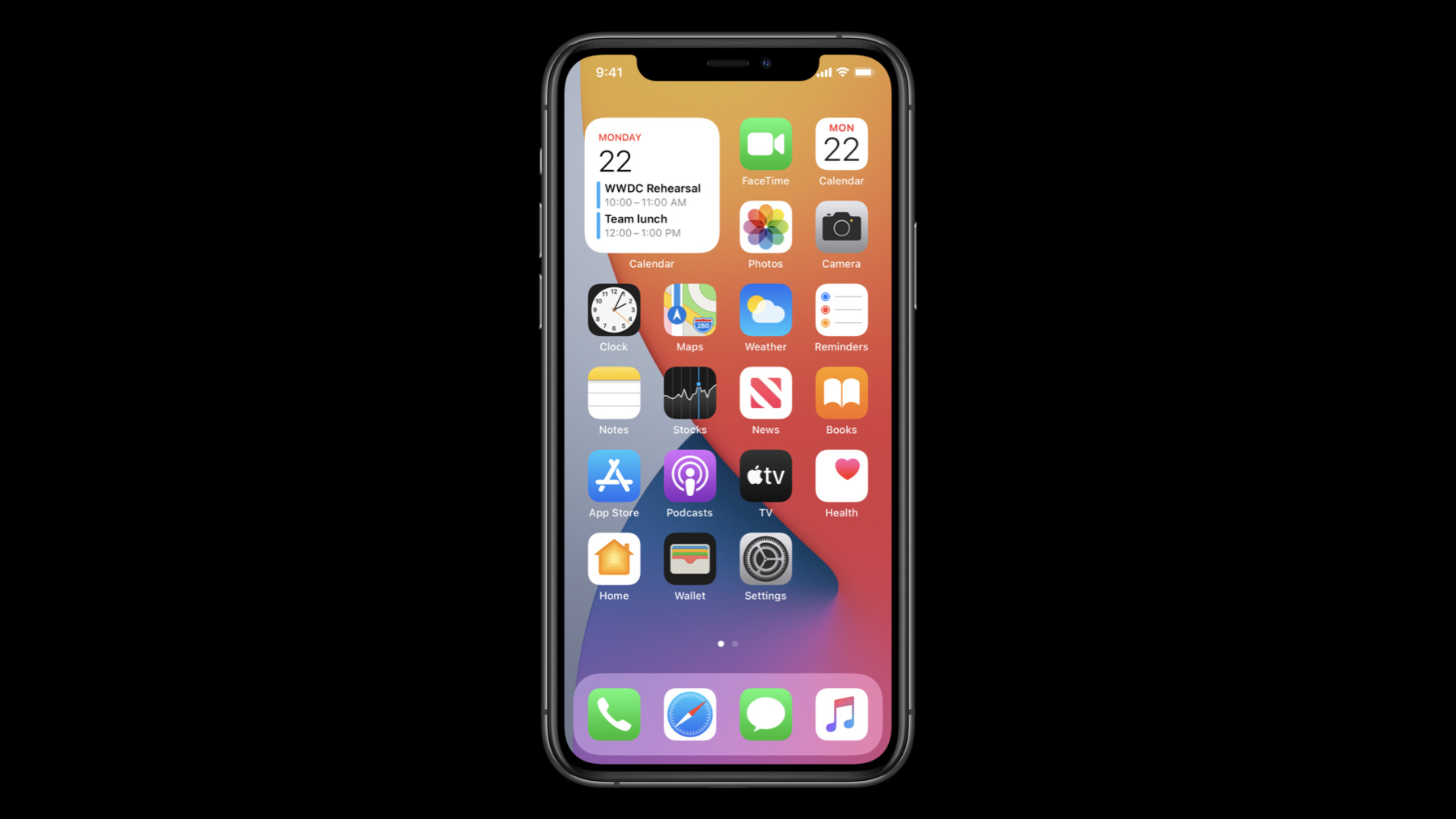
Widgets are bite-sized pieces of information from your app that someone can choose to place on their home screen or Today view. Discover the process of building the views for a widget from scratch using SwiftUI. Brush up on the syntax that you’ll need for widget-specific construction and learn how to incorporate those commands and customize your widget’s interface for a great glanceable experience. To learn more about widgets, be sure to check out "Meet WidgetKit" and "Widgets Code-along".
Watch at developer.apple.com ↗Code shown on screen · 2 snippets
Concentric corner radius with ContainerRelativeShape
// Concentric corner radius with ContainerRelativeShape

struct PillView : View {
    var title: Text
    var color: Color

    var body: some View {
        Text(title)
            .background(ContainerRelativeShape().fill(color))
    }
}
Displaying date and time
// Displaying date and time

// June 3, 2019
Text(event.startDate, style: .date)

// 11:23PM
Text(event.startDate, style: .time)

// 9:30AM - 3:30PM
Text(event.startDate...event.endDate)

// +2 hours
// -3 months
Text(event.startDate, style: .offset)

// 2 hours, 23 minutes – Automatically updating as time pass
Text(event.startDate, style: .relative)

// 36:59:01 – Automatically updating as time pass
Text(event.startDate, style: .timer)
Resources
Related sessions
-
 27 min
 -
 23 min
 -
 9 min
9 min -
 15 min
 -
 9 min
9 min -
 28 min
 -
 16 min